
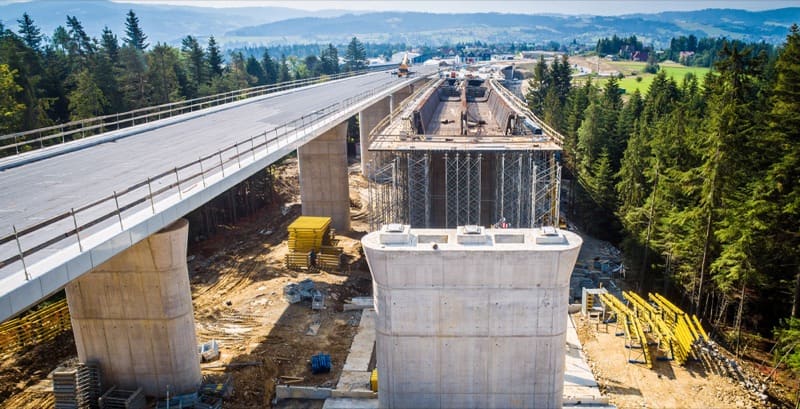

A highway bridge under construction
Asset management

Inspect every bridge and asset, and see the condition of the whole portfolio.

For bridge and asset programs: routine and damage inspections with element ratings and NBI/SNBI coding, inspection schedules across the inventory, and condition trends that inform the capital plan. Two packages: Bridge Inspection and Asset Management.

Bridge inspections

Structure 0412 · Routine inspection

County Road 18 over Mill Creek · last inspected 2024
In progress
Elements 14Photos 22
Deck
Reinforced concrete deckElement rating · last: CS 2
CS 2
Brg
Bearing, north abutmentDefect · annotated photo
CS 3
Jt
Expansion jointRated against last inspection
CS 2
Last inspection’s photos alongsideSubmit for QA
Illustrative product view
Who uses it

One inventory, six people who depend on it.

Bridge inspectors

Rate elements, document defects with located photos, and submit the report.

QA reviewers

Check coding consistency and completeness before submission.

UAS pilots

Bring drone imagery of hard-to-reach elements into the inspection.

Asset program managers

Schedule inspections across the inventory and track what is overdue.

Program leaders

Run pavement, sign, signal, culvert and ITS programs alongside bridges.

Senior leaders

See portfolio condition, plan capital and answer state and federal reporting.

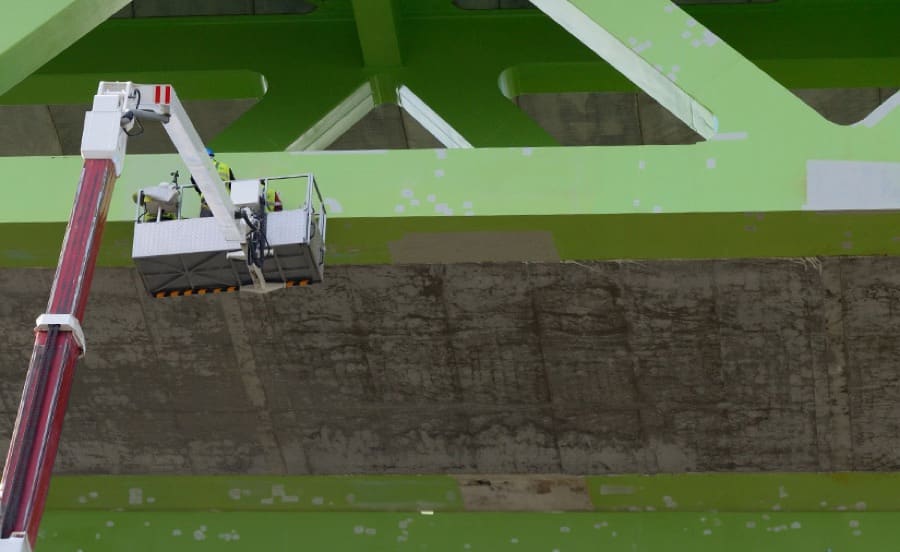
Inspecting a bridge from a snooper truck

Inspect

Elements rated against the last inspection.

A highway bridge under construction

Schedule

Every asset due on time, across the inventory.

Aerial view of a highway interchange

Plan

Condition trends that feed the capital plan.

What changes

From a system per asset type to one view of the portfolio.

Legacy process
With HeadLight

Legacy processBridges in one system, pavements in another, signs and signals in spreadsheets

With HeadLightBridges, pavements, culverts, signs and signals managed in one place

Legacy processNBI/SNBI coded in one tool, then re-keyed for submission

With HeadLightCoding tied to the inspection record, and the FHWA export made from it

Legacy processInspection schedules tracked by hand, with overdue work found when audits ask

With HeadLightSchedules generated across the inventory, with overdue work escalated

Legacy processCondition trends built once a year for the capital plan

With HeadLightCondition trends visible all year, so accelerating deterioration is caught early

31,600+ projects in 25+ states run on HeadLight today, from single contracts to agency-wide programs.

60+public agencies
130+engineering and construction firms
30M+field observations captured
Book a 20-minute walkthrough
What’s included

Two packages. Many start with bridges and add the rest of the portfolio.

Untagged: in every editionPro from Pro upCustom Custom onlyCompare editions

Bridge Inspection

Routine and damage bridge inspections, condition coding, QA/QC, and FHWA submission — built for the inspectors and program directors responsible for the bridges your communities depend on.

Bridge inspection capture

  • Start a routine bridge inspection record
  • Rate elements by condition state (NBI/SNBI scales)
  • Review prior inspection data alongside current
  • Complete and submit the inspection report

Important project files

  • Access bridge plans, historical records, and reference documents
  • Download files for offline inspection — work without coverage
Show all 18 capabilities

Defect documentation

  • Document defects with GPS-tagged, annotated photos linked to bridge elements
  • Integrate UAS / drone inspection imageryPro

QA/QC review

  • Review submitted inspections in queue
  • Flag data quality issues and validate element quantities for completeness
  • Approve completed inspection in QA workflow
  • Approve inspection specifically for NBI submissionPro

NBI/SNBI coding & FHWA submission

  • Enter SNBI data fields tied to inspection recordsPro
  • Validate NBI/SNBI coding consistency before submissionPro
  • Update inventory data from inspection resultsPro
  • Generate SNBI compliance report and NBI export file for FHWAPro
  • Two-way integration with your bridge management systemCustom
  • Custom data model extensions for agency-specific fieldsCustom
Asset Management

Bridges, pavements, culverts, signs, signals, ITS — one platform for every asset, with inspection schedules, condition trending, and program-level reporting.

Asset types & configuration

  • Standard asset types: bridges, pavements, culverts, signs, signals
  • Configurable inspection methodology and lifecycle stages per asset type
  • Configurable condition rating scales (NBI, PSI, agency-custom)
  • Define and configure new custom asset typesPro

Asset inventory & portfolio

  • Add a single asset or bulk-import inventory from legacy system
  • View inventory by asset type, district, or condition
  • Manage asset lifecycle — merge duplicates, retire from active inventory
  • Custom portfolio dashboards by programPro
Show all 22 capabilities

Inspection scheduling

  • Configure inspection frequency rules per asset type
  • Auto-generate the inspection schedule across the portfolio and assign work
  • Track inspection compliance and on-time rate, with escalation for overdue
  • Risk-based inspection frequency (condition-adaptive)Pro

Condition trending

  • Track asset condition over time and identify accelerating deterioration
  • Forecast maintenance need across the portfolio
  • Calculate remaining service life per asset
  • View portfolio-level risk dashboard

Program reporting

  • Generate program-level and budget-justification reports for agency leadership
  • Submit federal and state asset reports in standard formats
  • Public-facing transparency reports and dashboardsPro
  • Custom asset-type dashboards with agency brandingPro
  • Custom data-model extensions and bespoke condition-prediction models per asset typeCustom
  • Two-way program integrations: financial, GIS and pavement systemsCustom

Platform and support come with every package. See what each edition adds

In production

Used on public work every day.

11.8M+
photos and documents captured in HeadLight
31,600+
projects run on HeadLight
25+
states with projects on HeadLight
We are saving 2 hours of admin time daily by having better documentation and more pictures to explain what I am seeing out in the field. HeadLight is easier to use throughout the day than our previous solution.
InspectorState DOT
No workarounds

Set up for your program, not a generic one.

Every agency rates its assets its own way: its own scales, its own inspection frequencies, its own asset types beyond bridges. HeadLight is configured to match, so inspectors rate the way your program defines it.

Asset types

The standard types, plus the ones only your agency manages.

Condition rating scales

NBI, PSI or your own.

Inspection frequency rules

Per asset type, including risk-based frequency.

Inspection forms and methodology

Your methods and lifecycle stages, per asset type.

Dashboards and reports

Federal, state and public-facing, set up by configuration.

Roles and permissions

Inspectors, reviewers and program leads, by role.

Essentials

Standard

Start on HeadLight’s standard forms and workflows.

Pro

Configured, without code

Your administrators set up forms, rules, reports and approvals to your standards.

Custom

Engineered with you

We build what is genuinely unique to your program: forms, data and integrations.

Pricing is quoted: per user, on an annual term, based on the solutions and edition you choose. How pricing works →

Questions

What teams ask first.

Bridge Inspection or Asset Management: which do we need?
Bridge Inspection is the bridge workflow: NBI/SNBI coding, element ratings and FHWA submission. Asset Management brings the same approach to every other asset type your agency manages. Many agencies start with bridges and add the rest of the portfolio later.
Is NBI/SNBI submission included?
Coding is tied to the inspection record from the start. FHWA-format export and submission come with the configured edition.
Does it work with our existing bridge and asset systems?
Yes. Inventory can be bulk-imported, and HeadLight works alongside the systems you already run.
How long does it take to get running?
Standard setups take 2–4 weeks, mostly loading the inventory and frequency rules. Configured rollouts typically take 6–12 weeks. Bespoke workflows and integrations are scoped.
How is it priced?
Quoted. Per user, annual term, based on the solutions and edition you choose.
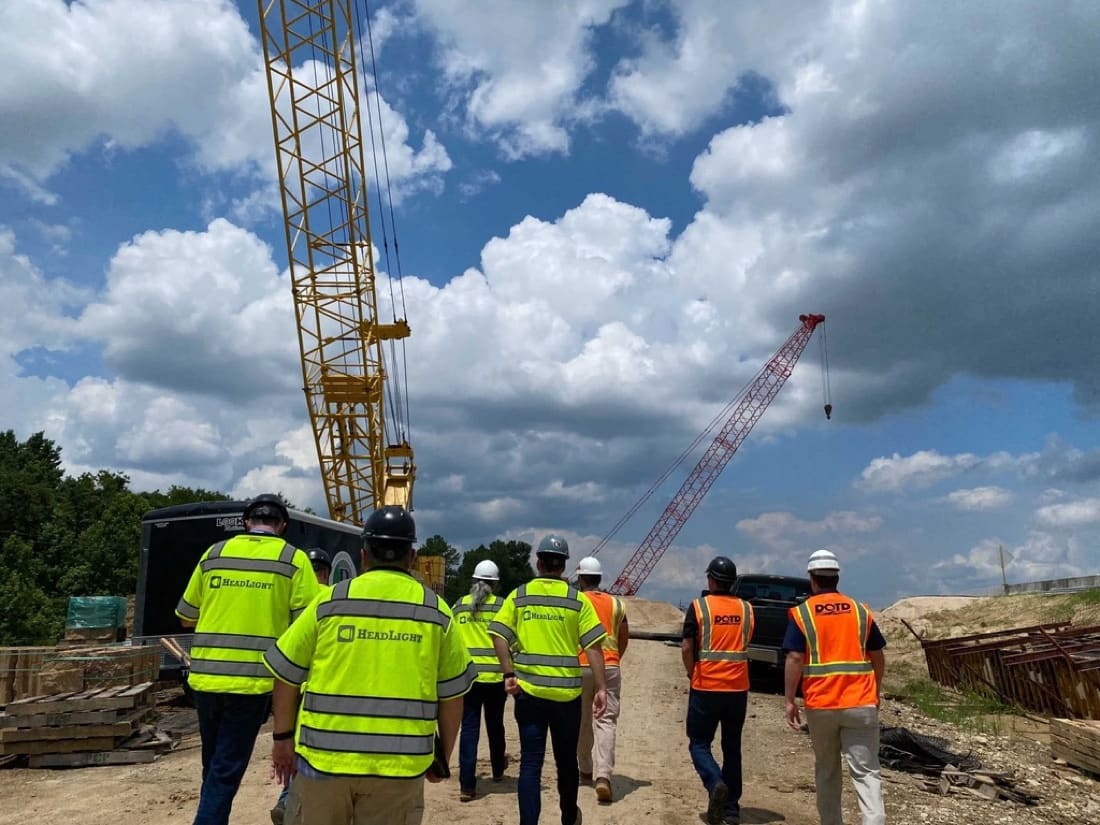
HeadLight and agency staff walking a site

See it in 20 minutes.

A short walkthrough of an inspection, from the element rating to the portfolio view.

Book a 20-minute walkthrough