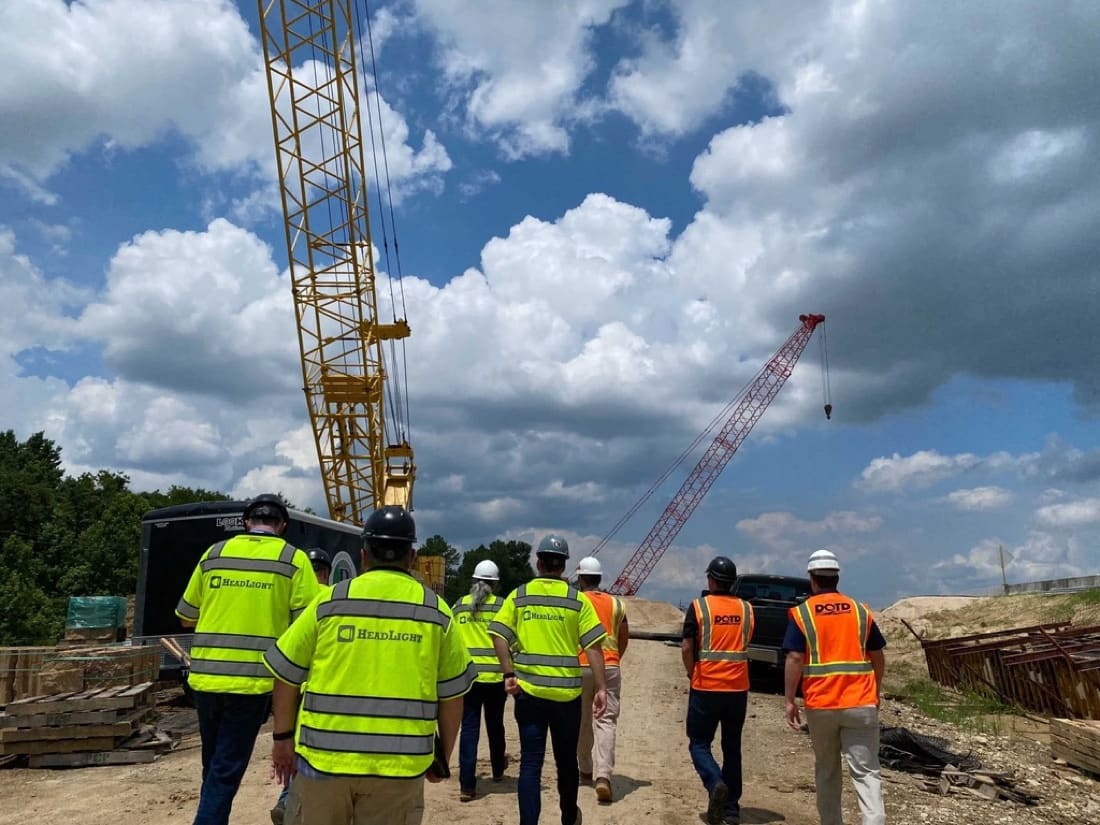
Set up to your standards, and supported after go-live.
Most teams start on HeadLight’s standard setup and configure as they go. A HeadLight specialist plans the rollout with you, and the same team stays with you after go-live.
How long it takes.
What we do with you.
Plan the rollout
A specialist who owns rollout and configuration works through your forms, approval chains and reports with your team.
Bring your data
Push-button import from legacy systems, bid items imported from the bid package, and asset inventory bulk-imported, so you don’t start from blank.
Train every role
Live training webinars and office-hours Q&A from Pro; role-based custom training and data-migration help in Custom.
Keep learning in the app
Fieldbook Academy, inside the Fieldbook app, has short modules on observations, iPad how-tos and reports. The Help Center and knowledge base cover the rest.
Support, by edition.
| Support | Essentials | Pro | Custom |
|---|---|---|---|
| Email support, business hours (M–F) | Yes | Yes | Yes |
| Phone support, business hours | — | Yes | Yes |
| Real-time chat, in product or a dedicated Slack channel | — | — | Yes |
| System-down (P1) response | 24 hr | 8 hr | 4 hr |
| Customer Success Manager | — | Shared | Named |
| Business reviews | — | Semi-annual | Quarterly |
| Uptime SLA | 99.9% | 99.9% | 99.9% |
Support
support@headlight.com · 1 (844) 467-2842 · System status
Sales
sales@headlight.com · 206.428.3094
Your feedback shapes HeadLight.
Feature requests are reviewed with you, prioritized in Pro and given priority access in Custom. Custom customers get roadmap previews and pre-release access, and every edition gets usage reporting on how your team is using HeadLight.