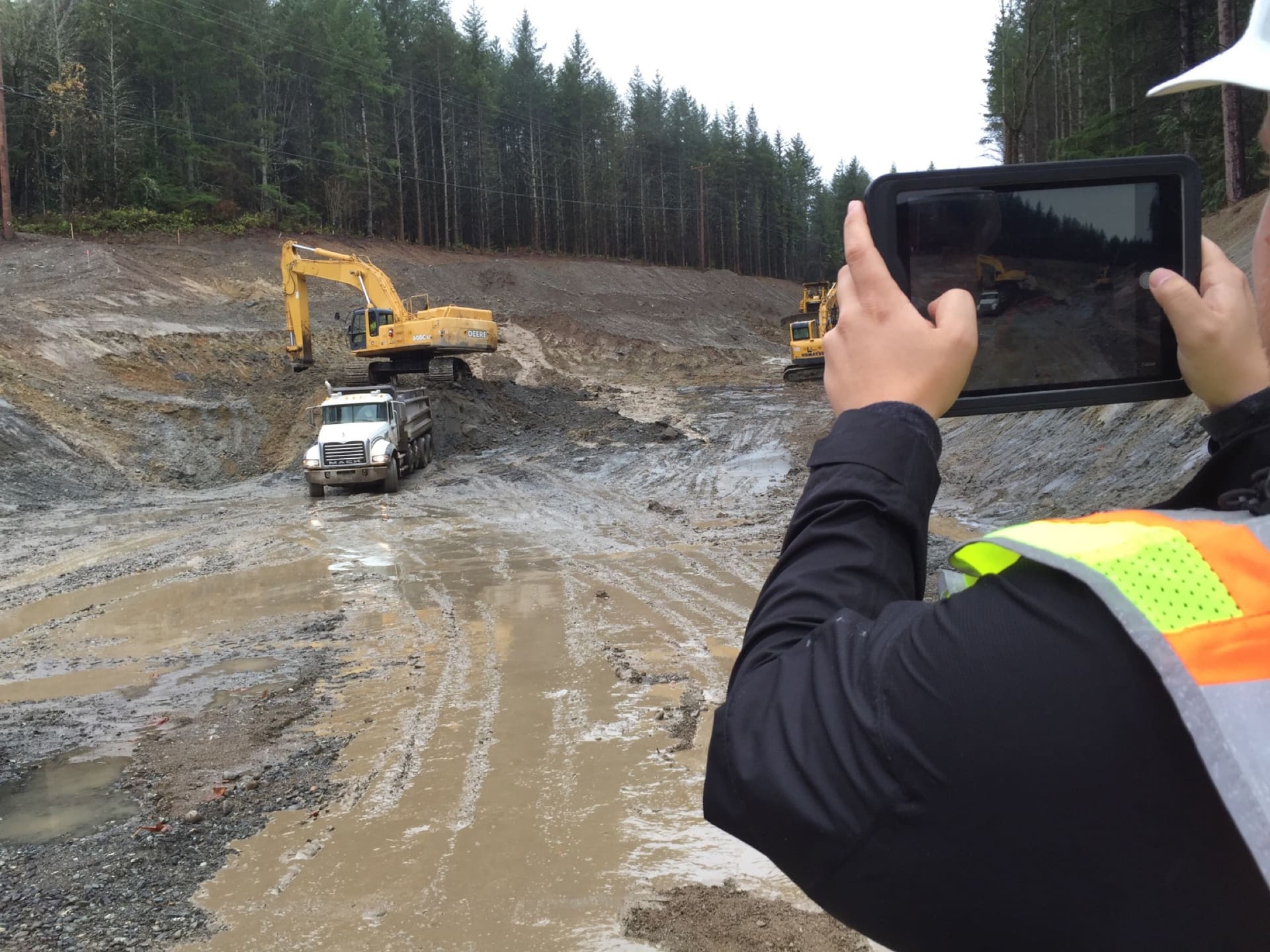

An iPad showing a captured photo on an active site
Field Data Management

The daily report, the pay estimate and the audit trail, from one field record.

For DOT and CEI field teams: capture observations, quantities and RFIs on site, approve them in the office, and pay, coordinate and close out from the same record. Three packages: Field Inspection, Contract Administration and Construction Management.

Daily reports

Daily report · Tue 14 Oct

Project 24-118 · Bridge replacement
Awaiting RE approval
Weather Clear, 58°FObservations 3
07:15
Rebar placement, deck span 2Bid item 0602 · Reinforcing steel
3,450 LB
09:40
Deck pour, span 2Bid item 0509 · Structural concrete
42 CY
13:05
Approach guardrail, northBid item 0806 · Guardrail
150 LF
Photos attached and located · 11Review & approve
Illustrative product view
Who uses it

One record, six people who depend on it.

Inspectors

Capture observations, photos and quantities on site, with or without signal.

Resident engineers

Review and approve dailies, quantities and change orders in one queue.

CEI project managers

See every project, inspector and report across their contracts.

Contract administrators

Build pay estimates and change orders from approved field quantities.

Office managers

Set up projects and users, and pull the record for anyone who asks.

Contractors Read-only

See the same quantities and photos your team sees, before the pay estimate.

Inspector measuring and recording on an iPad

Capture

Photos, quantities and weather, stamped as they happen.

Collecting a materials sample on site

Sample

Samples noted on the daily, and handed to Materials with their location.

Engineers coordinating on site

Coordinate

RFIs, submittals and approvals next to the work.

What changes

From rebuilt after the fact to recorded as it happens.

Legacy process
With HeadLight

Legacy processDailies written from memory at the end of a long shift

With HeadLightThe daily assembles itself from the day’s observations and photos

Legacy processQuantities reconciled in spreadsheets weeks after the work

With HeadLightPay estimates built from quantities your resident engineer already approved

Legacy processChange orders that lose their justification between field and contract

With HeadLightChange orders start from a field event, with photos and an approval trail

Legacy processAudits that take weeks because nothing is in one place

With HeadLightEvery record one search away, every dollar traced to the field

31,600+ projects in 25+ states run on HeadLight today, from single contracts to agency-wide programs.

60+public agencies
130+engineering and construction firms
30M+field observations captured
Book a 20-minute walkthrough
What’s included

Three packages. Start with one, add the rest later.

Untagged: in every editionPro from Pro upCustom Custom onlyCompare editions

Field Inspection

Capture the work, document the conditions, and route the daily report — online or offline, with every observation anchored to the right project.

Capture in any conditions

  • One-tap observation creation with auto-captured GPS and timestamp
  • Narrative, weather conditions, and quantities against line items
  • Full offline; queued work syncs cleanly when connectivity returns
  • Configure custom observation types matched to your taxonomyPro

Photo & media documentation

  • GPS-tagged photos automatically linked to their observation
  • Caption, annotate, and mark up photos in the field
  • Fast Capture (iPhone) for high-volume photo runs + short video
Show all 23 capabilities

Forms that fit your work

  • Standard Dynamic Forms across the most common inspection scenarios
  • Specialty forms for bridges, materials, and specialized inspections
  • Submit and edit forms through the default review flow
  • Build custom Dynamic Form templates with conditional logicPro
  • Bespoke form engineering beyond the configuration moduleCustom
  • Bespoke offline performance optimization for very large project portfoliosCustom
  • Custom integration with field IoT or sensor systemsCustom

Project files at your fingertips

  • Access plans, specs, and the full project document library in the field
  • Upload field-collected documents directly to the project
  • Download files for offline access — work without coverage

Field Forms and Daily reports that flow

  • Auto-assemble dailies from the day's observations and photos
  • Generate weekly summaries from approved daily reports
  • Customize the daily report layout to your required formatPro
  • Export form and report data to agency specific formatsPro
  • Send field inspection data back to your existing systemsCustom
  • Approval workflowsEssentials: Single · Pro: Multi-level · Custom: Multi-level

Contract Administration

Contracts, bid items, payments, and change orders — every dollar traceable to the field record that justifies it. (Funding lives in Contract Management.)

Contracts & timeline

  • Create a contract record with parties, dates, and key terms
  • View contract financial summary — total, spent, remaining
  • Close out a completed contract and archive cleanly
  • Custom contract templates and milestone configurationsPro

Bid items & line items

  • Import bid items from the bid package and convert to trackable line items
  • Track estimated vs. actual quantities through the project
  • Add supplemental contract items mid-contractPro
  • Custom bid item taxonomy and categorizationPro
Show all 22 capabilities

Payments

  • Generate progress payment estimates from completed work
  • Validate line item quantities from the field
  • Submit payment estimates for approval and track financial history
  • Support for retainage, liquidated damages, stockpile trackingPro
  • Configure custom payment workflows and estimate templatesPro
  • Integrations with your ERP and financial systemsCustom

Change orders

  • Create change orders tied to scope or quantity changes, with justification
  • Route change orders through approval workflows and modify contract
  • Track change order status and cumulative impact
  • Approval workflow supportEssentials: Single · Pro: Multi-level · Custom: Multi-level

  • Configure custom change order workflows and templatesPro

Master list management

  • Add primary contractors and subcontractors to the project
  • Manage contractors' equipment, personnel, trades, and crew counts on the jobsite
  • View contract progress as the contractor

Construction Management

RFIs, submittals, transmittals, meeting minutes, punch lists, closeout — the collaboration fabric that runs alongside field inspection and contract administration.

RFIs

  • Standard RFI form — create from the field or office
  • Route RFIs and track response time vs. agency SLA
  • Generate RFI log with filters by spec section, status, age
  • Custom RFI forms and multi-party routing chainsPro

Submittals

  • Build a submittal log from spec sections, with status and aging tracked
  • Submit a submittal package for review and link to spec for traceability
  • Review and return with approved / approved-as-noted / rejected
  • Custom submittal register format per spec conventionPro
Show all 19 capabilities

Transmittals & meeting minutes

  • Create and send transmittals with tracked receipt and document attachments
  • Standard meeting minutes — attendees, decisions, action items, due dates
  • Custom transmittal and meeting templates per agency / meeting typePro

Punch list & NCRs

  • Create punch list items from a walkthrough, assigned to trade or contractor
  • Track completion, re-inspect on returns, sign off with photo evidence
  • Custom punch list workflows with party-specific sign-off rulesPro

Project closeout

  • Declare substantial completion and conduct the final walkthrough
  • Closeout projects with required deliverables and documentation
  • Archive project data and documents
  • Design-build delivery workflows with compressed cyclesCustom
  • Send approved documents to your document management systemCustom

Platform and support come with every package. See what each edition adds

In production

Used on public work every day.

30M+
field observations captured across HeadLight customers
28%
productivity increase Louisiana DOTD measured after adopting HeadLight
60+
public agencies, and 130+ engineering and construction firms, use HeadLight
The ease of creating Daily Work Reports with a push of a button dramatically increased the percentage of reports created and submitted the same day the work was performed.
Project EngineerLouisiana DOTD
No workarounds

Set up for this project, not a generic one.

Every contract has its own pay items, every agency its own daily report and every project its own approval chain. HeadLight is configured to match, so inspectors record the work the way the project defines it, with no side spreadsheets and no “see notes”.

Observation types and forms

Matched to the work on this contract, with conditional logic, so the right questions appear for the right item.

Your daily report

Laid out in your agency’s required format, assembled from the day’s observations.

Pay items and estimates

Your bid item structure, estimate templates and payment workflow.

Change orders

Your change-order workflow and templates, routed through your approval chain.

RFIs and submittals

Submittal registers by your spec convention, and RFI routing across every party.

Essentials

Standard

Start on HeadLight’s standard forms and workflows, the same day.

Pro

Configured, without code

Your administrators set up forms, rules, reports and approvals to your standards.

Custom

Engineered with you

We build what is genuinely unique to your program: forms, data and integrations.

Pricing is quoted: per user, on an annual term, based on the solutions and edition you choose. How pricing works →

Bridge project story
Project story

A complete digital record for a large roadway rehabilitation.

Daily reports, quantities and photos captured once on site, and a project record the owner could search after closeout.

Read the Hill International case study (PDF)
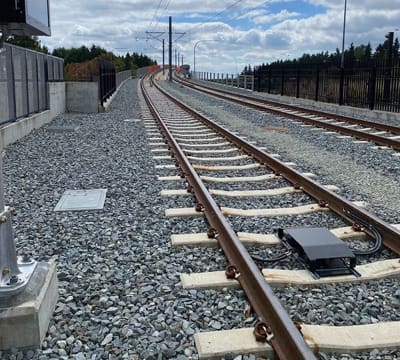
Light rail tracks
Case studyLight rail expansionHill International, 60,000+ observations logged
Highway interchange
Case studyAgency-wide integrationLouisiana DOTD, 28% productivity increase measured
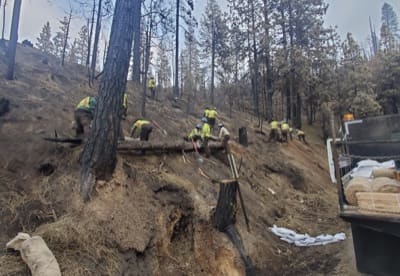
Post-fire slope work
Case studyRebuilding after the Creek FireQK Engineers, slopes stabilized ahead of the first snowfall
Questions

What teams ask first.

Do we have to start with all three packages?
No. Most teams start with Field Inspection or Contract Administration and add the others later.
Contract Administration or Construction Management: which do we need?
Contract Administration answers “Did we pay for the right work?” Construction Management answers “Is the work on time, and is everyone aligned?”
How long does it take to get running?
Standard setups are ready immediately. Configured rollouts typically take 2–4 weeks. Large integrated programs are scoped.
Does it work with our existing systems?
Yes. HeadLight works alongside the system of record you already run. See how HeadLight connects.
Does it work without cell coverage?
Yes. Capture is offline-first, and work syncs when the device reconnects.
How is it priced?
Quoted. Per user, annual term, based on the solutions and edition you choose.
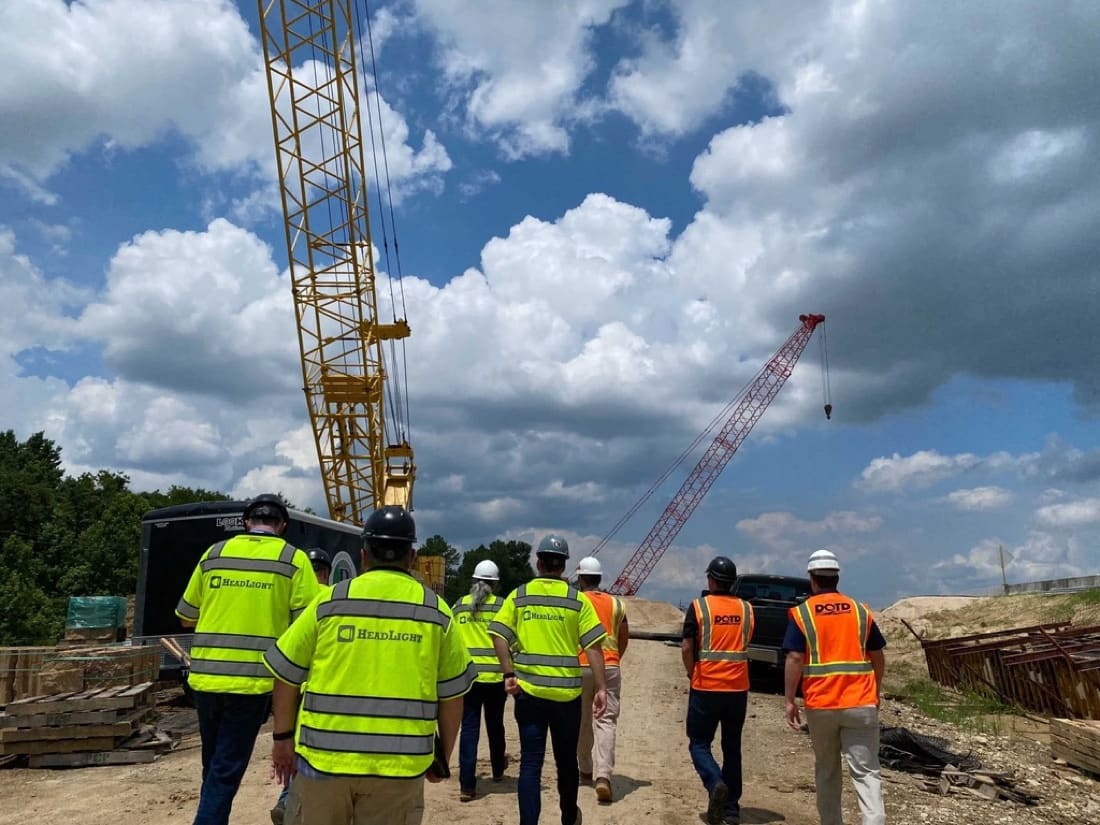
HeadLight and agency staff walking a site

See it in 20 minutes.

A short walkthrough of the field record, from the inspector’s iPad to the pay estimate.

Book a 20-minute walkthrough